Search and Ctrl+K ✓ works
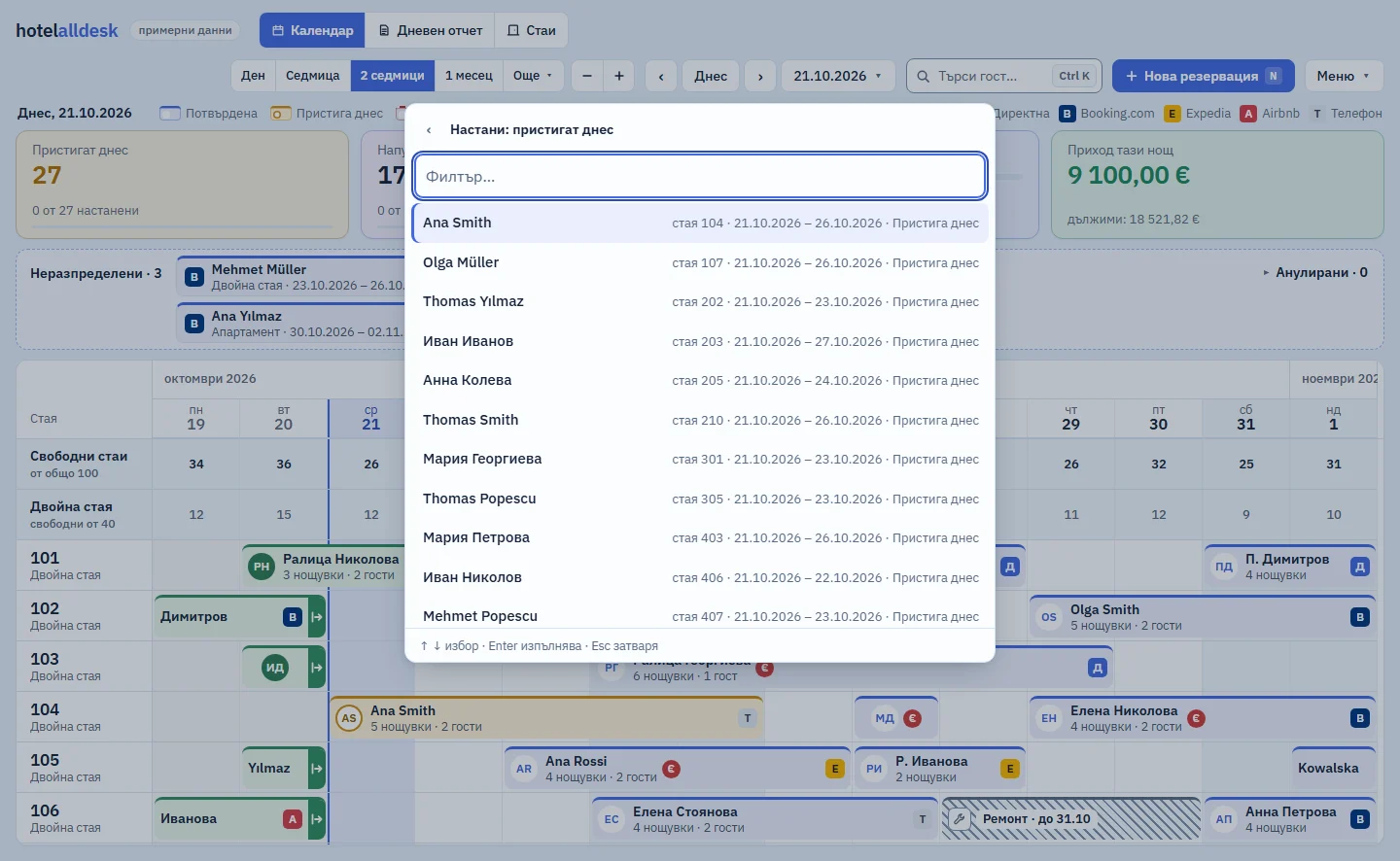
Ctrl+K opens commands and search from any screen. You type the first few letters, in Bulgarian for now, and Enter runs the command.

Keeps only the bookings you are looking for bright
Everything else on the calendar fades. Capitals and accents do not get in the way, and nor does the alphabet: “мюл” in Cyrillic and “MÜL” both find Müller.
Runs commands without touching the mouse
The arrow keys select, Enter runs and Esc closes. “Check in…” shows how many guests arrive today, and “Check out…” how many leave.
Example: 23:30, the night shift. A guest at the desk asks about a booking under the name Müller. You press Ctrl+K and type “мюл”, and Müller appears under Guests with the room, the dates and the status. Enter opens the booking.
Jumps to any date from the keyboard
“Go to date…”, type 25.12.2026, press Enter. The calendar opens on that day, at the same zoom.

What it does not do (yet)
- It does not search cancelled bookings: they are on the separate Cancelled list.
- It does not search by phone number or email.
Included in the monthly price, at no extra cost
One monthly price: a base fee for the property and a fee for each room. There are no tiers and no add-on modules: every part that starts working joins the same price. We will publish prices at launch.
Short answers
Do I have to remember the commands?
No. Ctrl+K shows the full list. Type whatever you remember and the system puts the closest match first.
Related parts
Look round the system in the demo
A sample hotel with 100 rooms. While the system is in development, demo access is available on request.